Slow Down
Learn any song at your own speed
Slow down YouTube videos and your own recordings, loop the parts you can't play yet, and practice with a metronome, tuner, scales, rhythms and backing tracks. On your computer or your phone. Free.
Learn the Hard Parts
Add a YouTube video or upload a file, then take it apart a phrase at a time.
Slow It Down
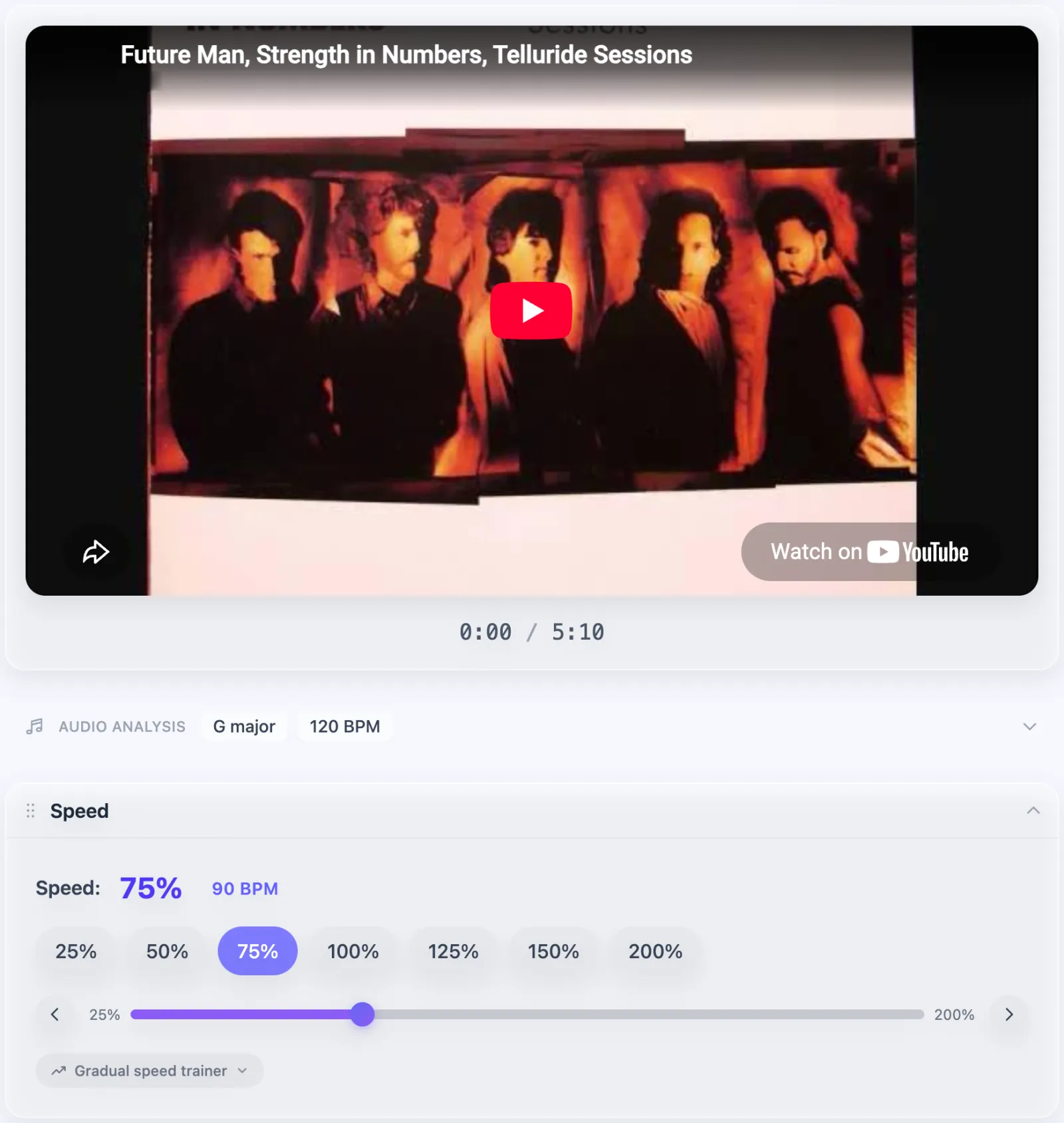
Play at anywhere from 25% to 200% of full speed without changing the pitch, so a fast solo becomes notes you can follow.
Loop It
Mark the verse, the chorus and the solo, then loop any part until it's under your fingers. Add a short pause before each repeat.
Change the Key
Transpose up or down by semitones to match your tuning, your capo or your voice.
Keep Your Controls Close
As you scroll, play, speed, loops and markers stay in a bar at the bottom of the screen.
Practice from Your Phone
Prop your phone on the music stand. Every page works on a small screen, and the dock keeps play, speed, loops and markers under your thumb as you scroll.
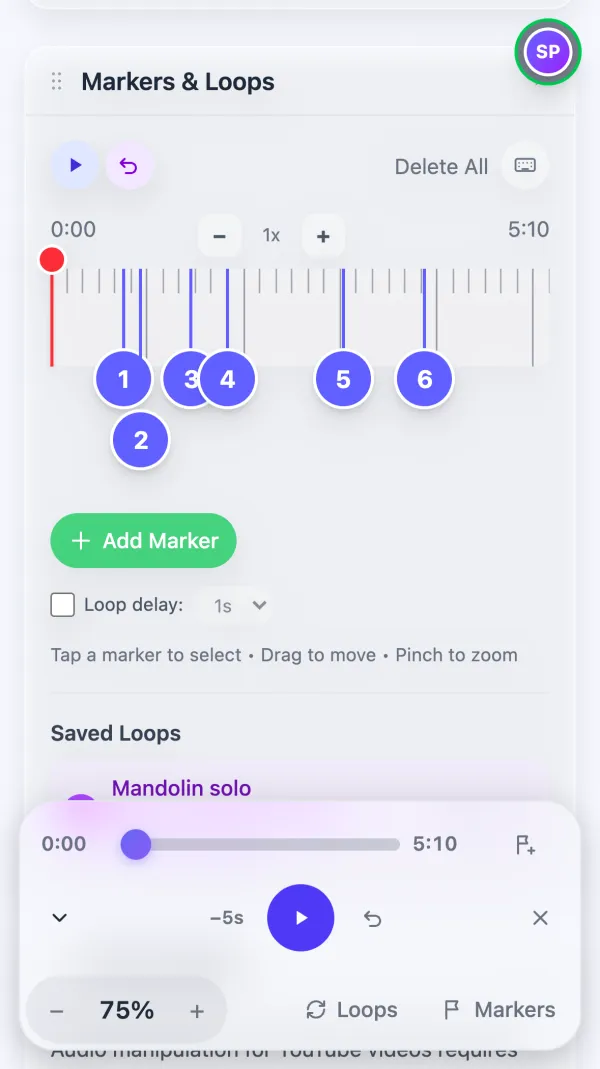
Loop the hard part
Tap two markers to loop between them. The dock holds the speed, your saved loops and your markers.
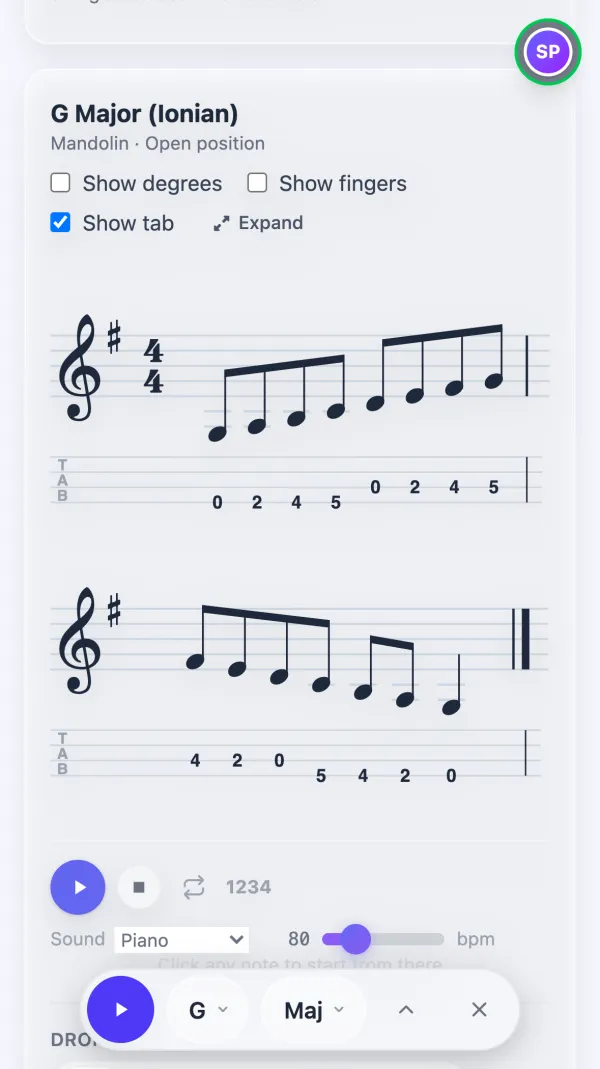
Scales with tab
Notation and tab sized for the screen, with the dock to change the key, scale and pattern.
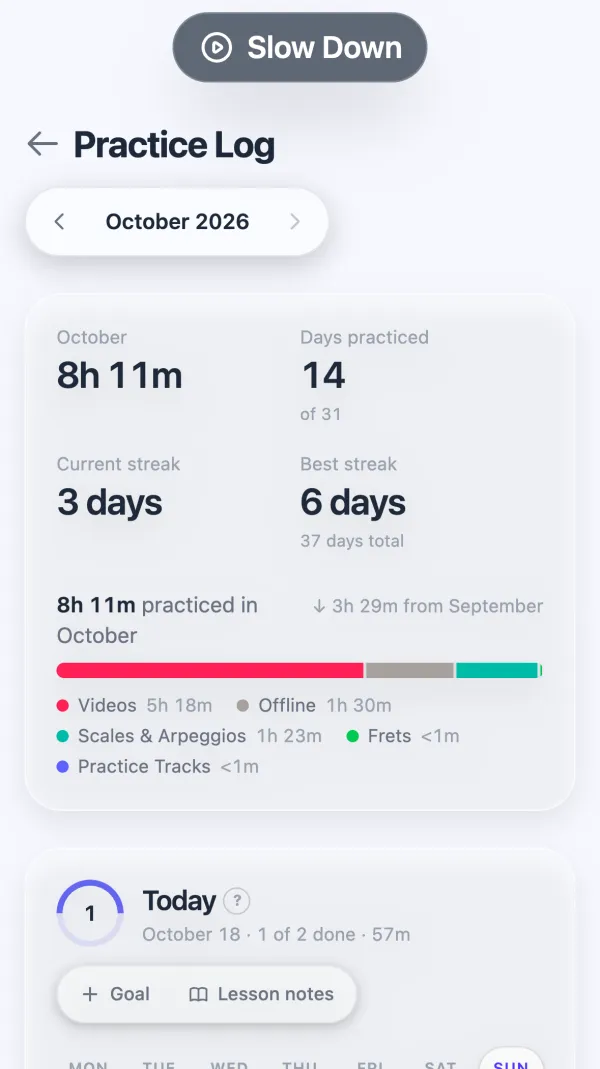
Your practice log
Today's goals, your streak and where your time went this month.
Know What You're Playing
Find a song's key, tempo and chords without working them out by ear first.
Key and Tempo
See the key and BPM, and watch the tempo change as you change the speed.
Chords and Sections
Follow the chords bar by bar, with the parts that repeat marked for you.
Turn Down the Vocals
Reduce the singer to play the melody yourself, or bring the voice up to catch the words.
Play Along
Turn the chords into a practice track and play over a band at any tempo.
Uploaded files get all of this in the browser. For YouTube videos, add the free Slow Down extension for Chrome or Firefox. It also puts a practice panel right on youtube.com.
Tools for the Rest of Your Practice
Technique, time and theory, in the same place as your songs. Most of them log your practice time too.
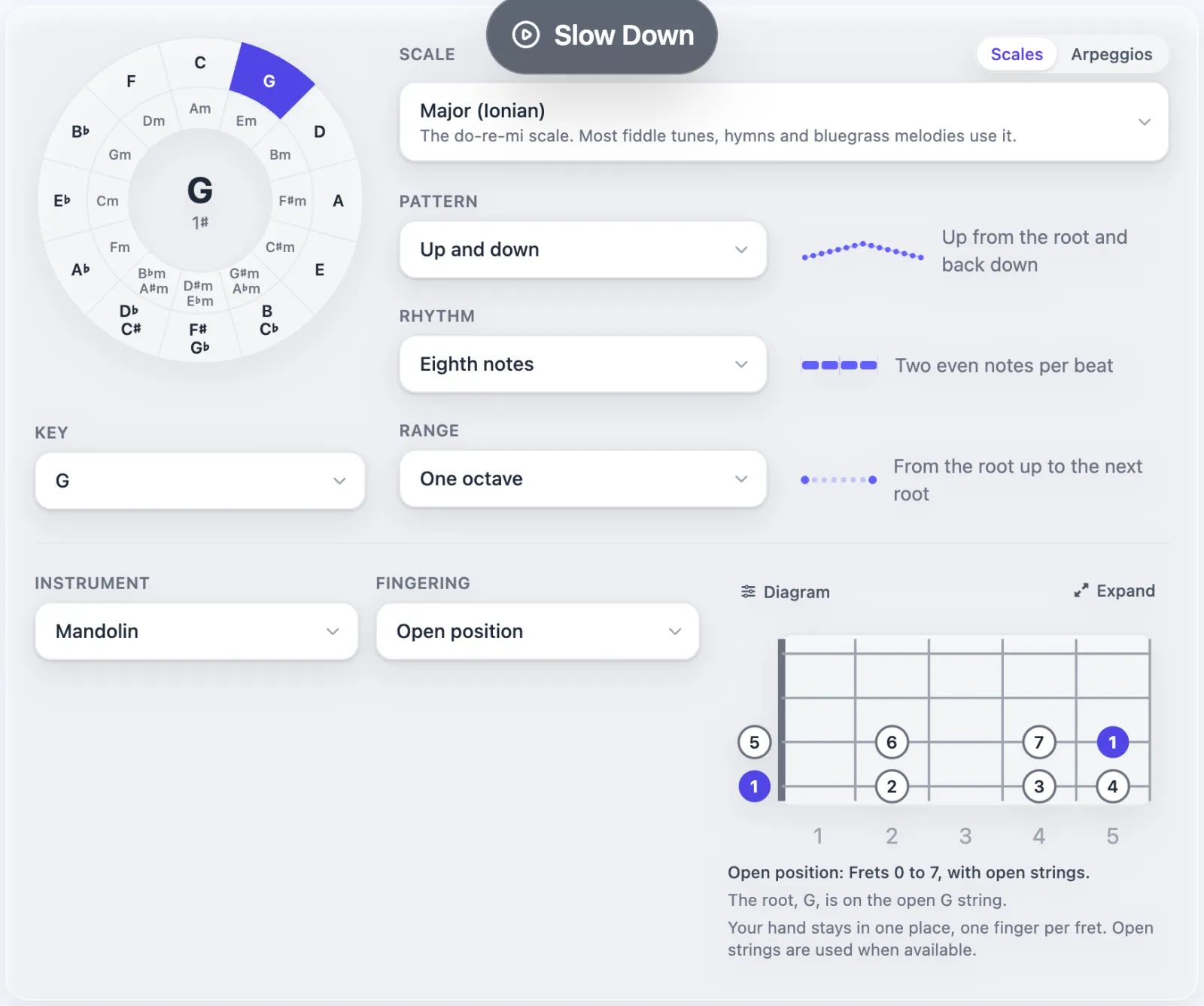
Scales & Arpeggios
Any scale or arpeggio in any key, as notation and tab for your instrument. Pick a pattern and rhythm, add a drone, and print all 12 keys as a PDF.
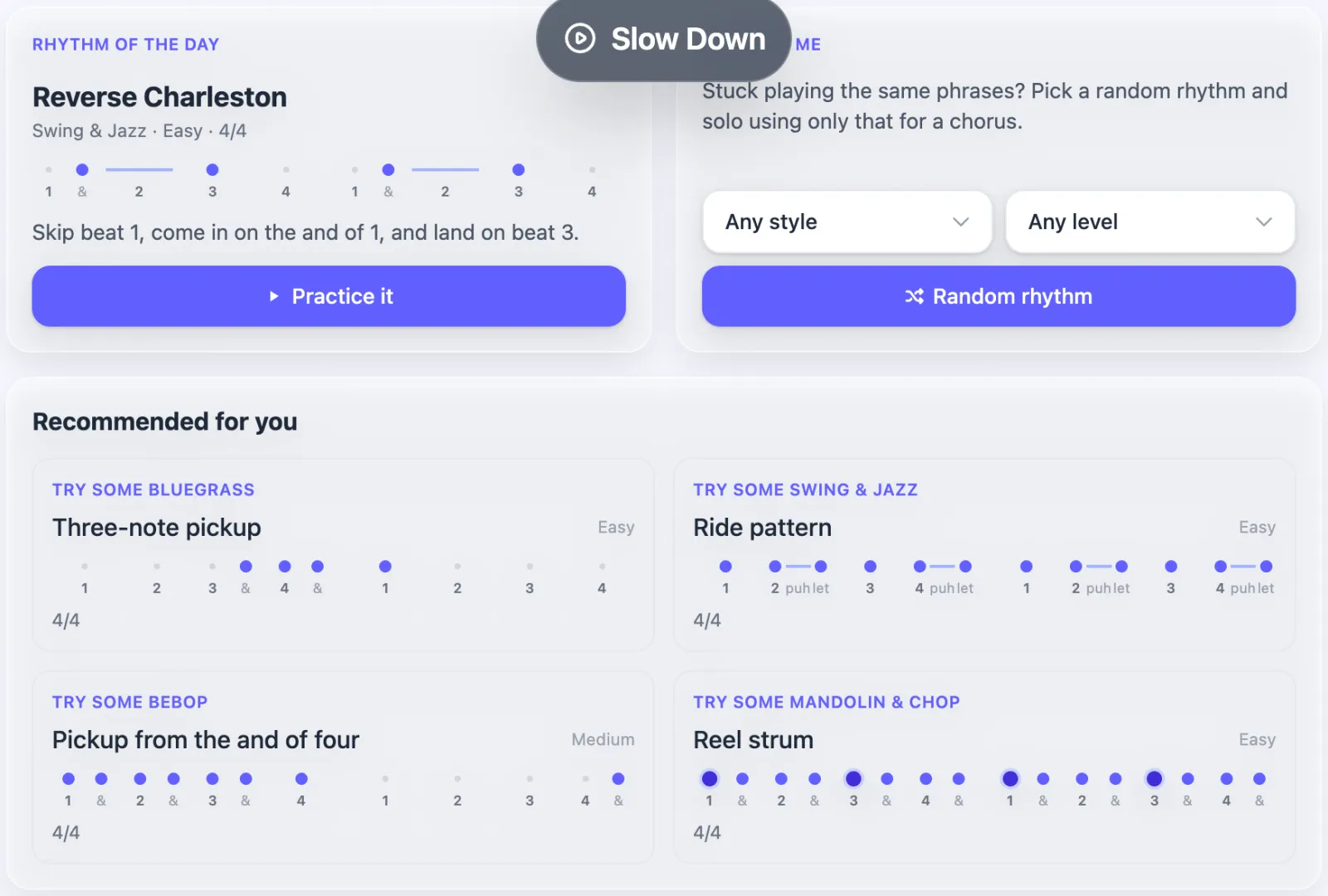
Rhythm Trainer
53 rhythms from bluegrass, swing and bebop. Solo using only one rhythm to break out of the phrases you always play.
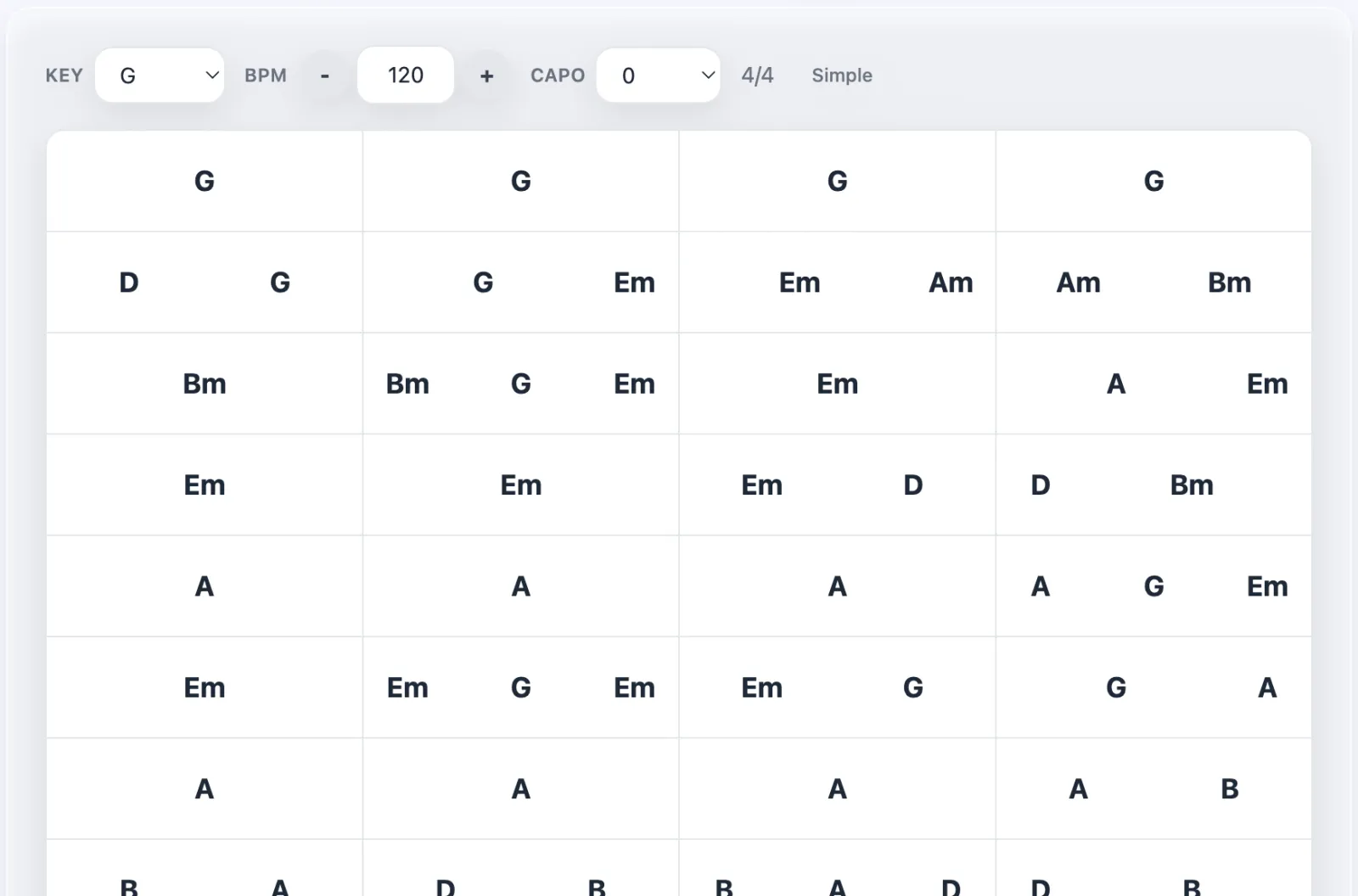
Practice Tracks (Beta)
Write out a song's chords, or start from a video's, and a band plays them back in any key and tempo.
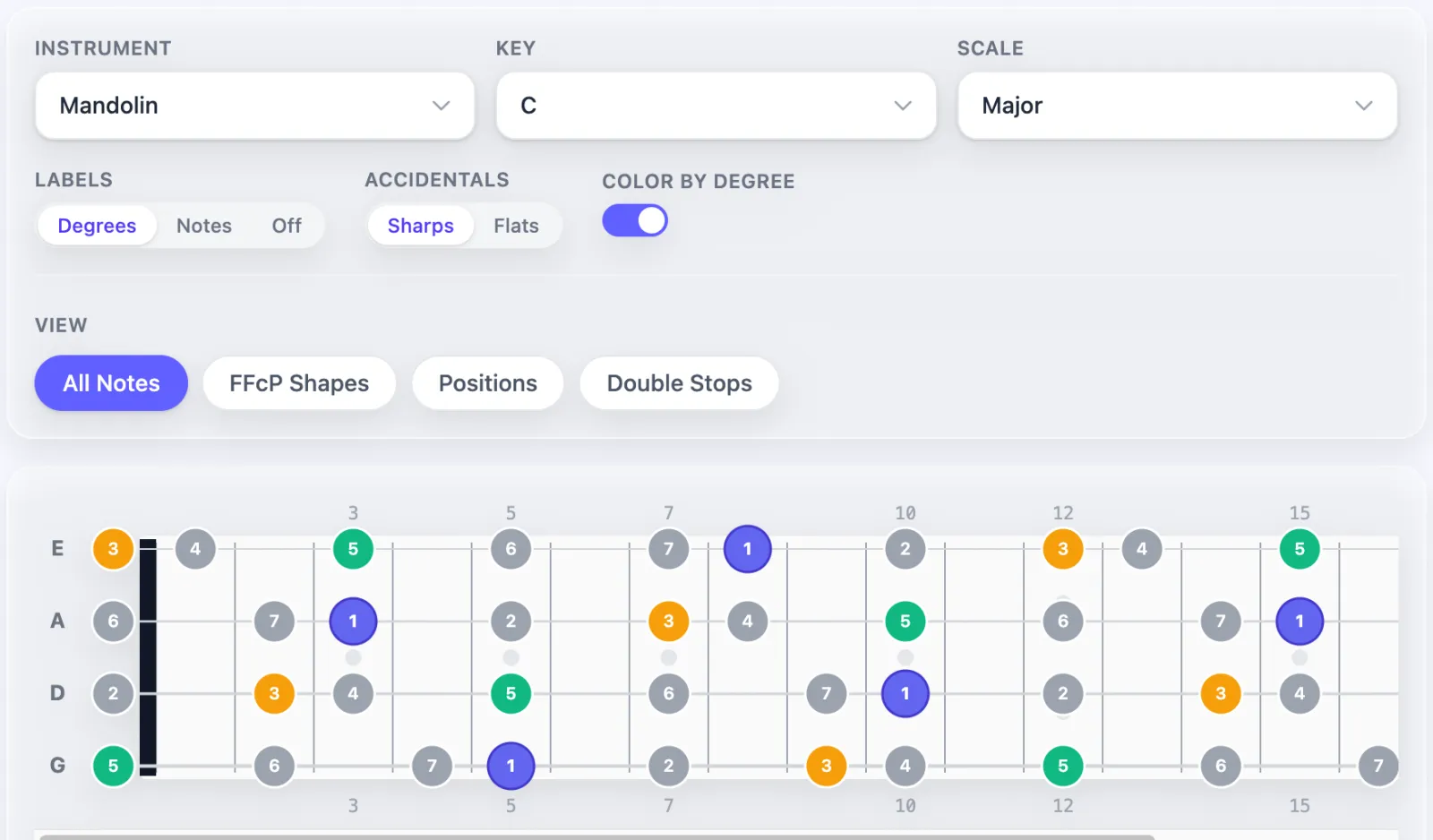
Frets
See scales, arpeggios and shapes across the neck of a mandolin, guitar or banjo, colored by scale degree.
Metronome
Tap tempo, subdivisions, swing, accents, and a trainer that raises the tempo as you go.
Tuner
Tune with your microphone, with presets for mandolin, guitar, bass, violin, banjo and more.
Courses
Music theory, plus beta courses on daily practice, jazz lines and Bach, with playable examples.
Write It Down
Transcribe a solo, write an exercise for a student, or save a tune before you forget it. Sheets hold notation and tab side by side and play back what you wrote.
- Enter notes with the mouse or the keyboard
- Tab for guitar, mandolin, violin, banjo and bass
- Chords, lyrics, dynamics, slurs, hammer-ons and fingerings
- Playback with recorded piano, guitar, violin and bass
- Scan a PDF or photo of printed music into a sheet you can edit
- Link a sheet to a video so you read and listen in one place
See Your Progress
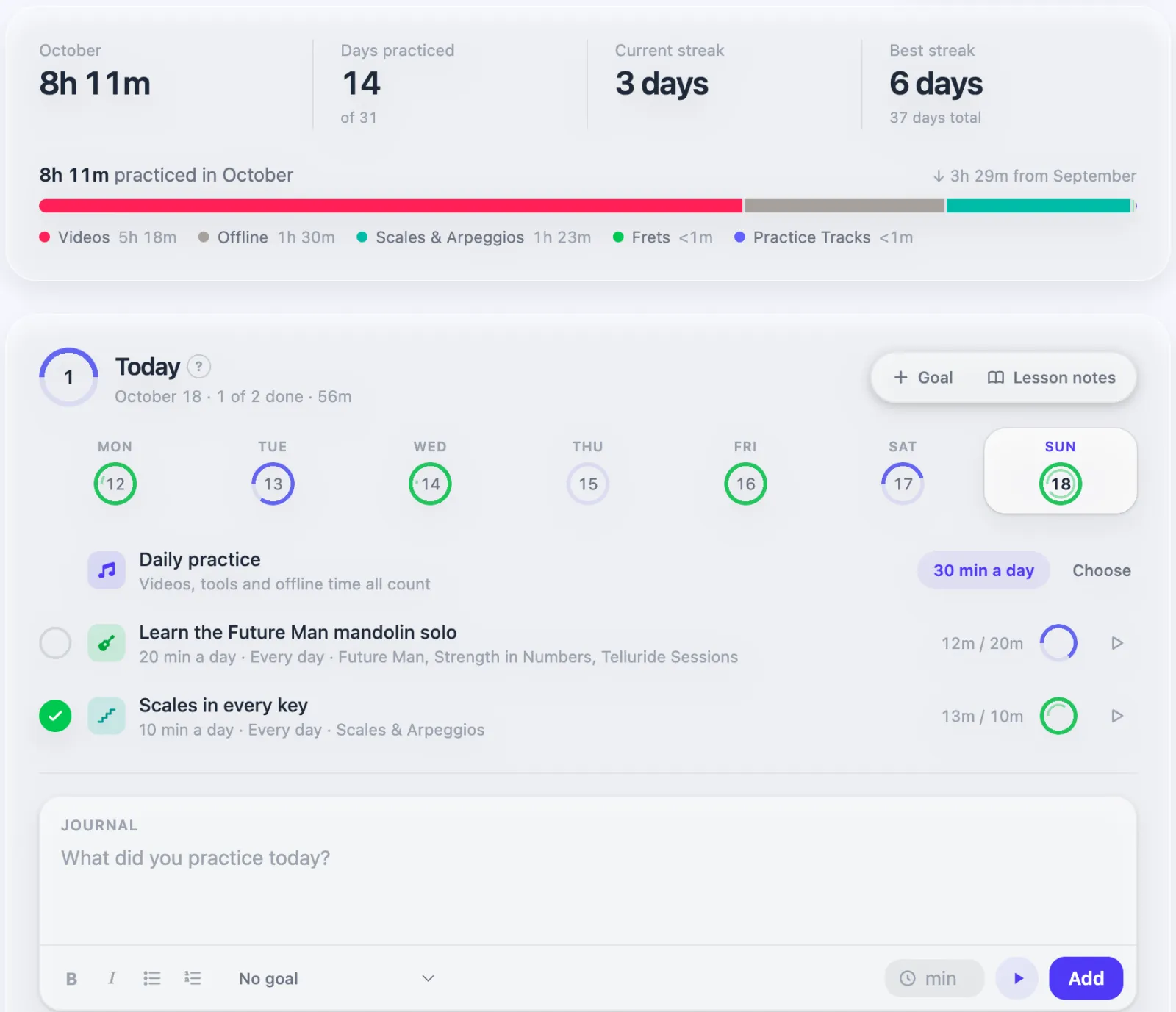
Your practice log fills itself in while you play. Set goals, keep notes from your lessons, and log the time you practice away from the app.
- Goals with daily or weekly minutes, linked to a song or a tool
- Streaks, a monthly calendar, and where your time went
- Lesson notes that turn each assignment into a goal
- Achievements and leaderboards when you want a push
Practice with Friends
Follow other musicians and see what they practiced each day. Share a video, playlist, sheet or practice track with a link, and your teacher or students see the markers you placed.
- Follow musicians and see their practice in your feed
- Share videos, playlists, sheets and practice tracks
- Comment, post, and @mention friends
- Like and save what other people share
Start in a Minute
Add a Song
Paste a YouTube link, search YouTube, import a playlist, or upload a file.
Find the Hard Part
Drop markers on it, loop it, and slow it down until you can play it cleanly.
Bring It Up to Speed
Raise the speed a little at a time. Your practice log shows the progress.
Ready to practice?
No subscription, no limits on songs, loops or sheets.
Get Started FreeNo credit card. Sign up with Google, Apple or your email.
If it helps you, you can support development to keep it running.
Questions
Is Slow Down free?
Yes, with no limits on videos, markers, loops, sheets or sharing. I built it for myself and other musicians, and I want every musician to be able to use it. Supporters help cover hosting. If costs grow a lot I may add a paid tier someday, but the core of the app will stay free for as long as I can manage it.
Can I change the pitch or turn down the vocals?
Yes. For uploaded files it works right in your browser. For YouTube videos it needs the free Slow Down extension for Chrome or Firefox. The Chrome version also runs in Edge, Brave, Arc and other Chromium browsers.
How does it find the key, tempo and chords?
Uploaded files up to 20 minutes long are analyzed as soon as they're processed. For YouTube videos, the extension sends short clips of what's playing for analysis and they're deleted afterward. The tempo follows your speed, so a 120 BPM song slowed to 75% reads 90 BPM. Read more about music analysis.
What can I upload?
MP3, WAV, OGG, FLAC, AAC and M4A audio, or MP4, WebM and MOV video, up to 500 MB. Uploads get speed, pitch, vocals, loops, markers and analysis, the same as YouTube videos.
Can I share with my teacher or students?
Yes. Send a link to a video, playlist, sheet or practice track. They see your markers, and can add the video to their own library with them.
How can I support Slow Down?
Become a supporter for $2 a month or $20 a year, or make a one-time donation. It pays for hosting and new features, and it keeps the app free for everyone. Thank you.
Become a SupporterBuilt for Musicians
Anyone who needs to slow a video down and watch it closely can use it too.
Musicians
Learn solos, transcribe, and master hard passages
Music Teachers
Write and share sheets, exercises and playlists
Dancers
Slow down choreography and learn it step by step
Language Learners
Slow down native speakers to catch every word

Built by a Team of One
Hi, I'm Theo Wecker, a musician and software developer. I built Slow Down to help me practice, and it grew into something I'm glad to share with other musicians.
Have an idea, a bug, or just want to say hi? Send me a message. I read every message.
Why Slow Down | Ralenty?
The name comes from the French word ralenti, which means "slowed down" or "in slow motion", from the verb ralentir, to slow down. In French film and music, au ralenti describes the moment when everything slows to a crawl and you can take in every detail.
That's what this app does for practice. It lets you hear music au ralenti, catching every note and rhythm that flies by at full speed.
Ralenty, our other name, is a playful twist on ralenti and ralentir, a nod to the idea's French roots.
I'm learning French myself, and I love how language and music connect. Both take patience, repetition, and a willingness to slow down and really listen.